Search
What you'll see
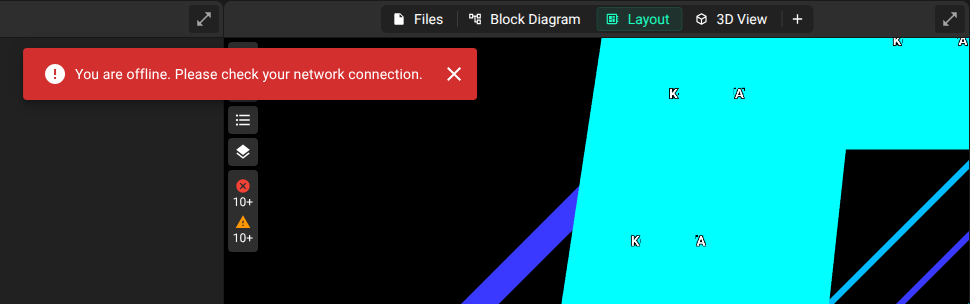
This red box shows at the top of the canvas. While the box shows, you cannot change your project.
What it means
Flux shows this error when it cannot connect to the database to save your data. These are the possible causes:
Slow or spotty internet connection
If your internet connection is slow or unstable, Flux can take a long time to get a response from the database.
Very large project
In a very large project, Flux does a lot of work in the background. The connection to the database can then take a long time to complete.
What you can do
Refresh the page. If the connection problem is intermittent, this can clear the error.
If the error stays, contact Flux support so that the Flux team can investigate.
Was this page helpful?