
Create an account, and start to design a complete device in your browser. You do not install any software.
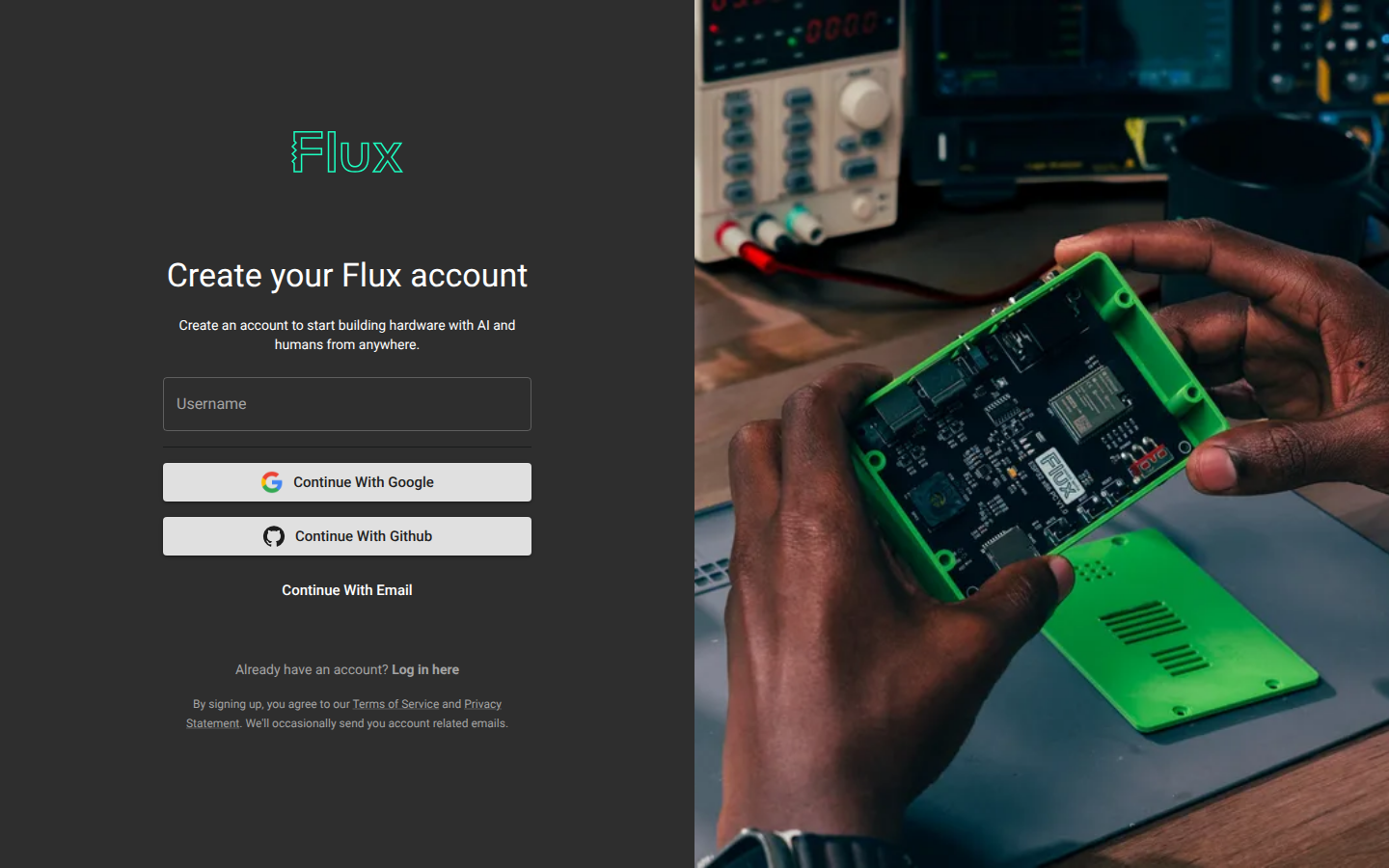
Visit https://www.flux.ai/signup to create an account. Enter your username, email, and password. You can also create an account by linking your Google account.
Your profile
Ask Flux to help you describe your public hardware work. Use its draft to choose a clear profile introduction and project descriptions.
Open Account menu → Profile to view your profile. Your profile URL uses your username, such as flux.ai/[username]. Share it to show your public projects. Project cards show the project name, last modified date, visibility, and a thumbnail. The profile includes projects you created, contributed to, or starred.
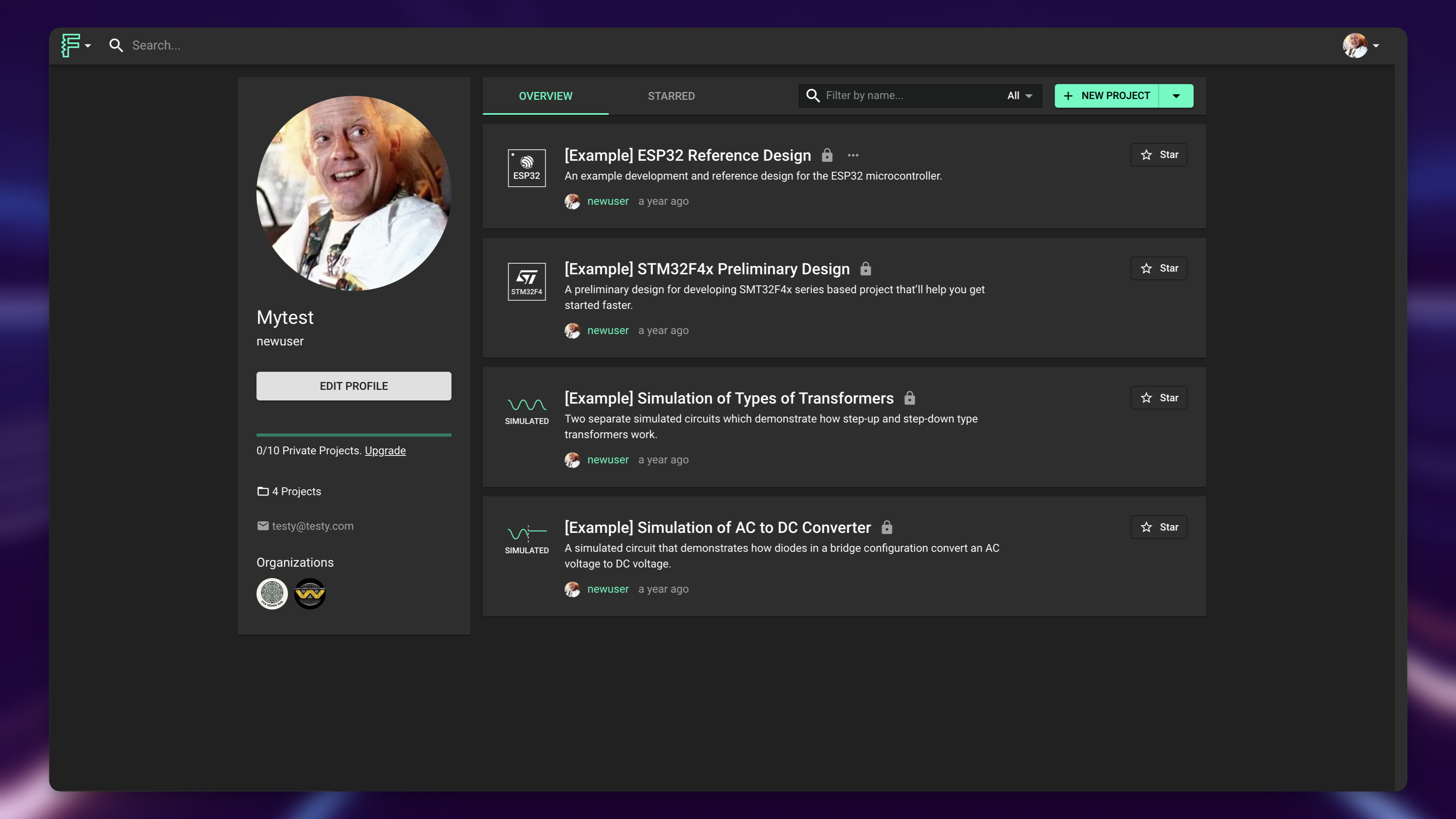
Use profile controls to search projects by name or description and filter them by visibility and design type. Sort projects by last modified date, creation date, or name. Hover over a project card, select its eye icon, then choose Public or Private. See Manage your projects for search, starring, archiving, and deletion.
Change your password
Log out and use the Forgot your password? link on the login page. If you signed up with Google or GitHub, change your password through those services.
Featured projects
Ask Flux to help you choose a project type or a feature to study before you browse examples.
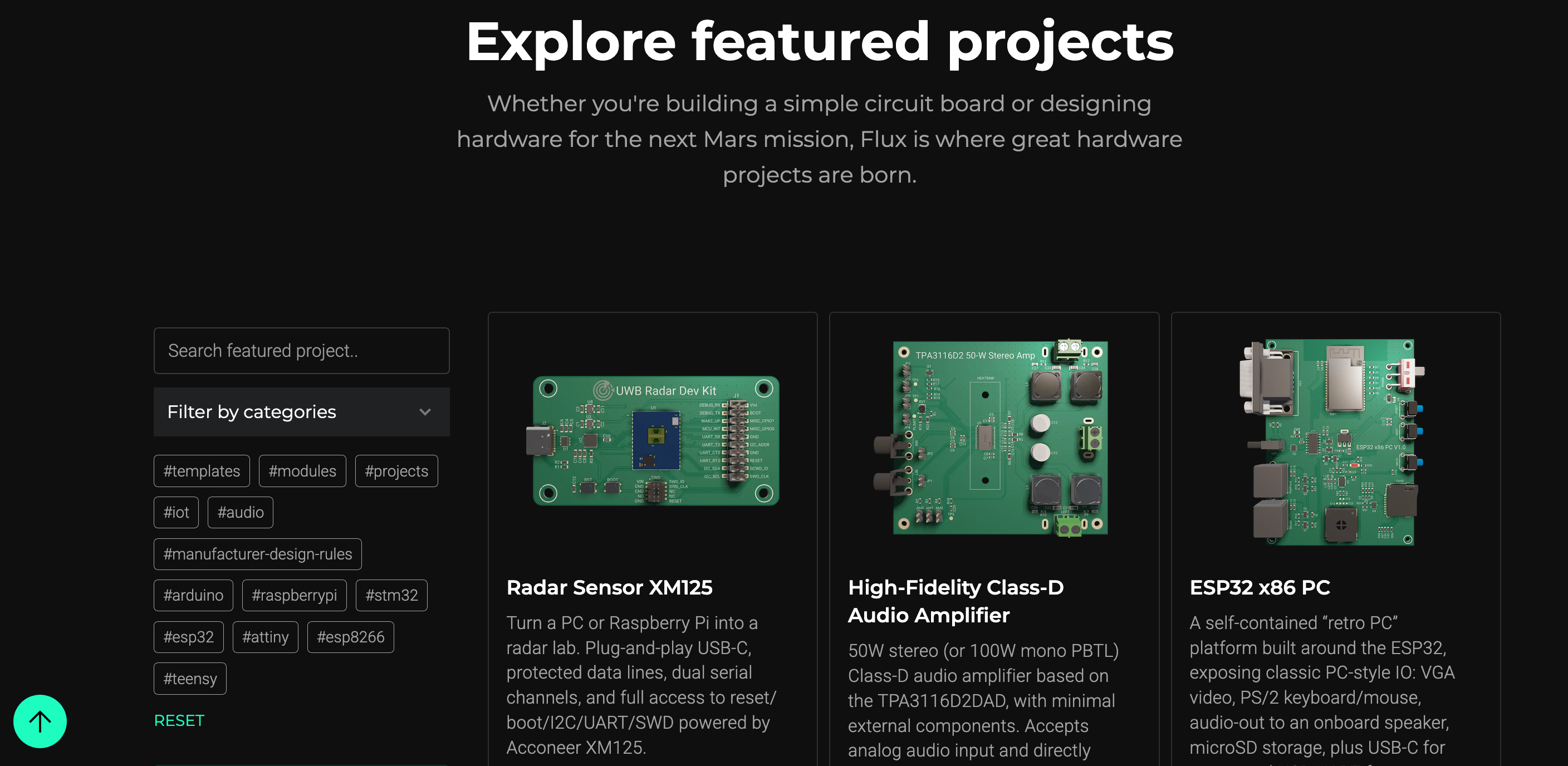
Browse featured projects for designs from the Flux community. Use a featured project as a starting point or as inspiration. Filter by tags such as #arduino or #template.
Delete your account
Flux support deletes your account when you ask for it.
In Flux, open the support chat from the top-right menu. You can also send an email to help@flux.ai.
Ask Flux support to delete your account.
See Getting help for all support options.