
Search
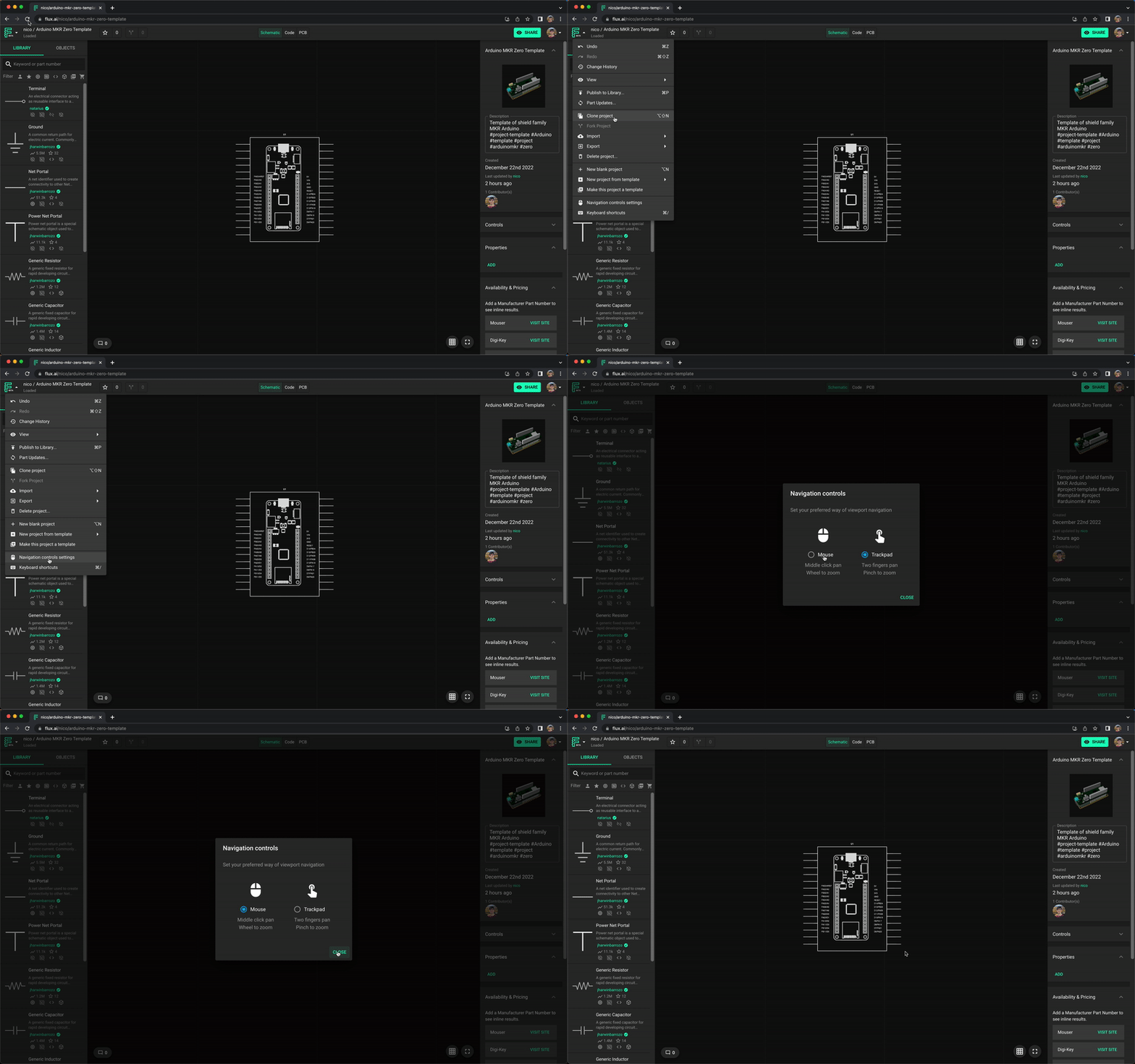
Flux has full support for mouse and trackpad navigation. To select your input device, open any project, then go to the Flux menu on the top left and click on "Navigation controls".
Was this page helpful?
Flux has full support for mouse and trackpad navigation. To select your input device, open any project, then go to the Flux menu on the top left and click on "Navigation controls".