
We've organized our tutorials according to the steps of the hardware design process. Flux can revolutionize every step of the hardware development process from initial brainstorming all the way through production.



Overview
Flux is an AI design assistant that lives in your projects, understanding your project's context and components to provide relevant information and assistance. Unlike generic AI tools, Flux is specifically trained for hardware design and PCB development, making it a powerful companion throughout your design process.
How Flux Transforms Hardware Design
Architecture Design
During the initial planning stages, Flux can help you:
Brainstorm system architectures based on your requirements
Suggest appropriate components and interfaces
Provide insights on design tradeoffs
Recommend best practices for specific applications
Learn more about AI-powered architecture design
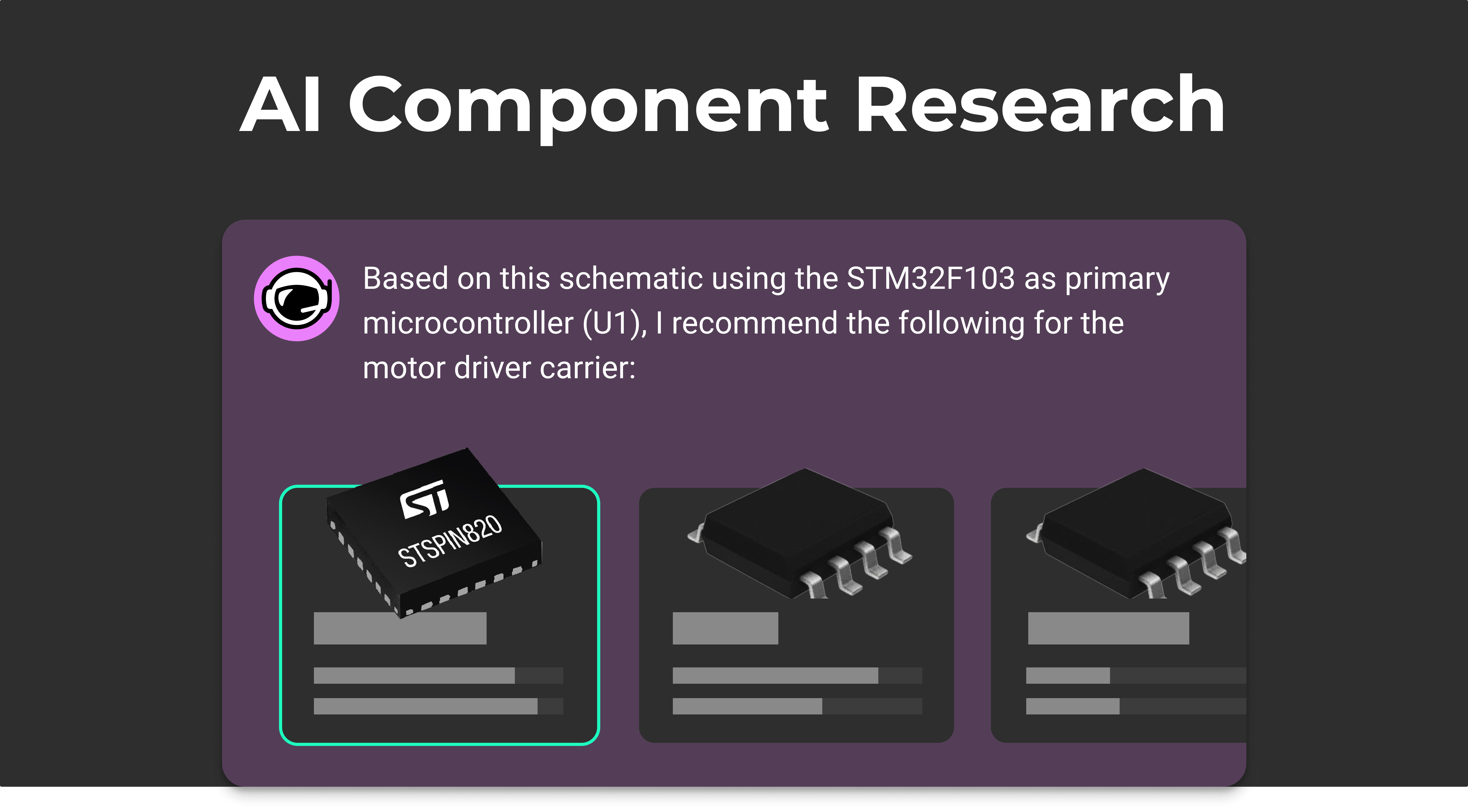
Component Research
When selecting components, Flux can:
Find suitable parts based on your specifications
Compare alternatives and highlight key differences
Explain technical parameters and their implications
Provide availability and pricing information
Suggest compatible components that work well together
Learn more about researching components with AI
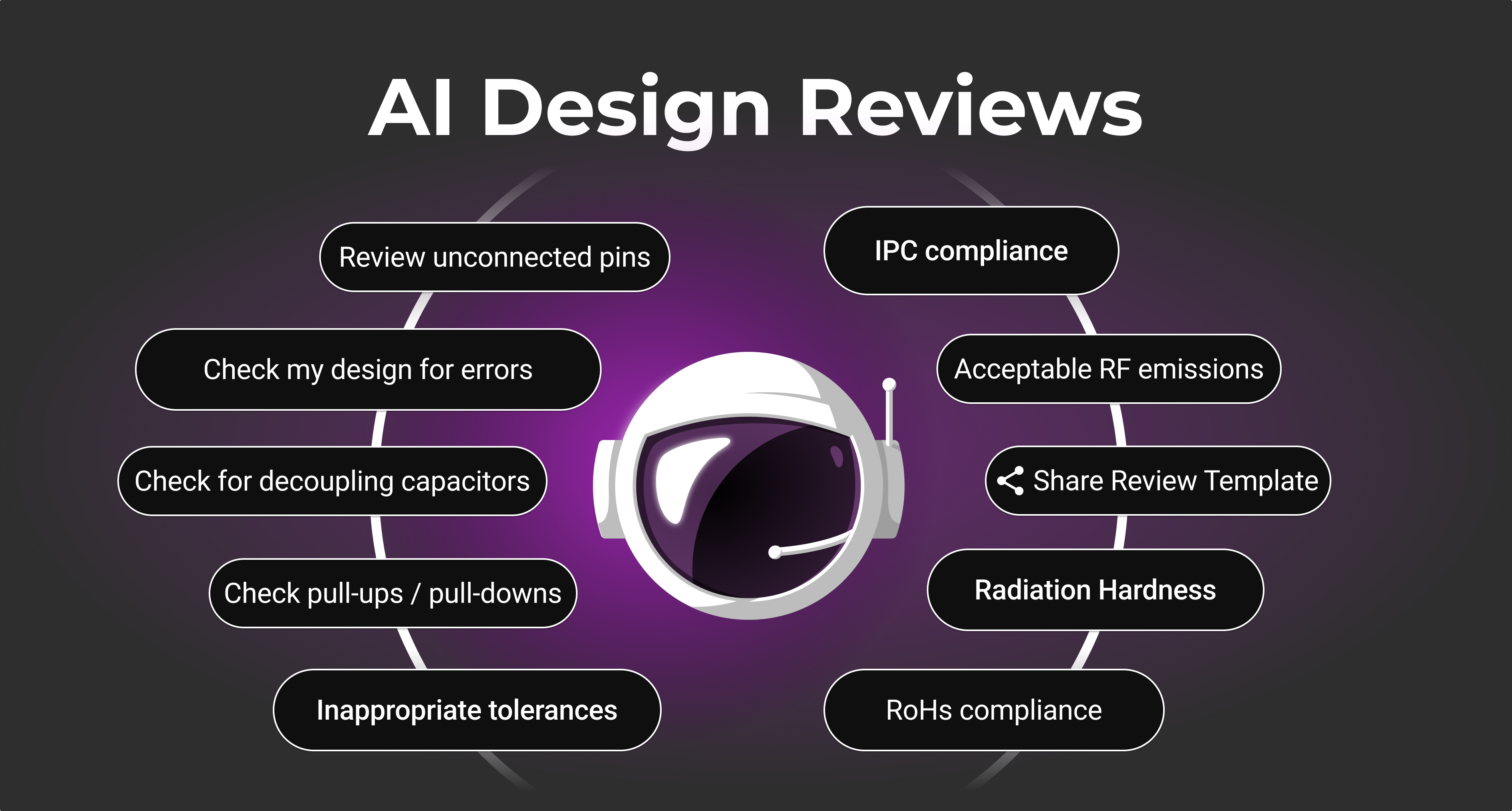
Design Reviews
During the review process, Flux can:
Identify potential design issues before manufacturing
Suggest improvements for signal integrity
Check for common design mistakes
Verify compliance with design rules
Recommend optimizations for manufacturability
Learn more about AI design reviews
Testing and Debugging
When troubleshooting your designs, Flux can:
Help interpret test results
Suggest debugging approaches
Explain potential causes of failures
Recommend fixes for common issues
Guide you through complex debugging workflows
Simulate circuits using SPICE to verify behavior
Learn more about AI testing and debugging
Getting Started with Flux
To begin using Flux:
Open any Flux project
Click the Chat tab in the right sidebar
Ask a question or request assistance
Interact with Flux's responses to refine your design
For detailed instructions, visit our Getting Started with Flux guide.
Best Practices for Working with Flux
To get the most out of Flux:
Be specific in your requests - The more details you provide, the more targeted Flux's assistance will be
Use iterative conversations - Build on previous questions to refine your design
Combine with your expertise - Use Flux as a tool to augment your knowledge, not replace it
Share context - Let Flux know about specific constraints or requirements
Explore alternatives - Ask Flux to suggest different approaches to the same problem
Troubleshooting Common Issues
Response Quality
If Flux's responses aren't as helpful as expected:
Try rephrasing your question to be more specific
Break complex questions into smaller, focused queries
Provide additional context about your design goals
Technical Limitations
Remember that while Flux is powerful, it has limitations:
It may not have knowledge of very recent components or standards
Complex, multi-step reasoning might require breaking down into smaller steps
Always verify critical design decisions with appropriate reference materials
What's Next
Now that you understand how AI can assist with hardware design, you might want to explore:
Getting Started with Flux - Learn the basics of using Flux
AI Design Reviews - Learn how to leverage AI for design validation
Join the Flux Community - Connect with other designers using AI-assisted tools