
Learn about Flux features and how to design PCBs faster. Take a look at our YouTube channel for more tutorials.

Tutorial Categories
We've organized our tutorials into categories based on common tasks and goals. Browse the categories below to find what you need:
Getting Started
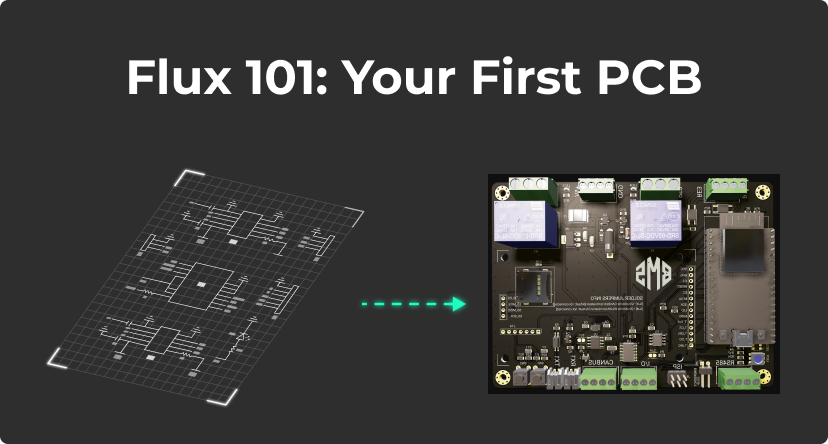
Flux Walkthrough Project - Learn the basics of Flux with a guided project
PCB Editor Overview - Understand the main interface for PCB design
Schematic Editor Basics - Get familiar with creating circuit schematics
Design Fundamentals
Component Placement - Learn how to effectively place components
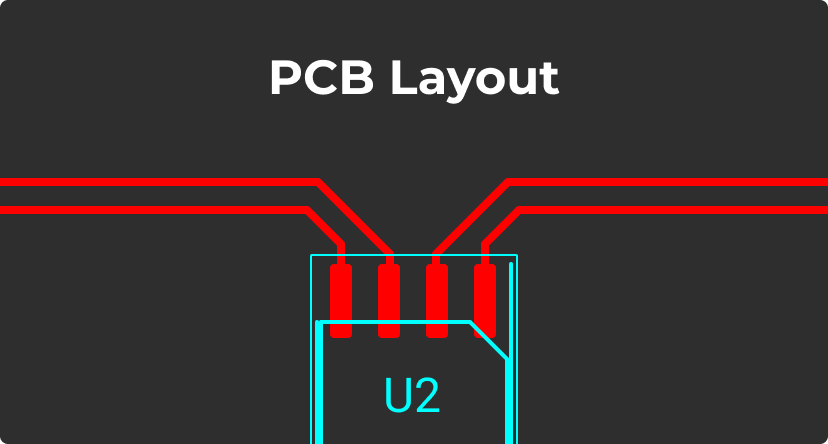
Routing Tutorial - Master the art of PCB trace routing
Board Outline Creation - Create custom board shapes
Advanced Features
Layout Rules Deep Dive - Understand Flux's powerful rule system
Working with Ground Signals - Learn about ground planes and fills
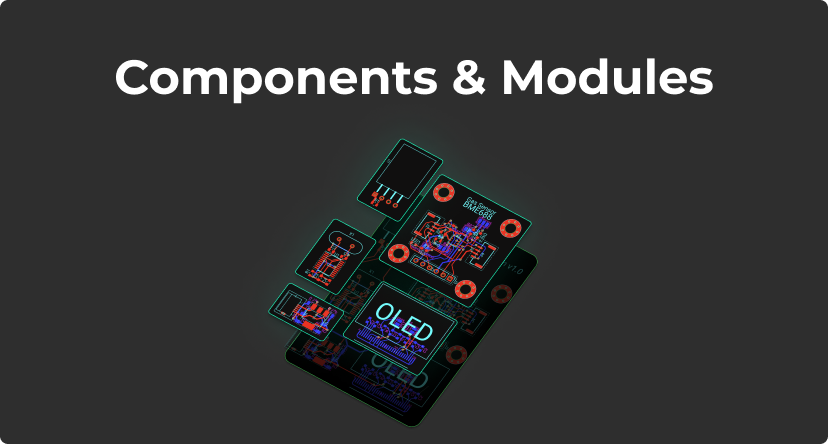
Modules and Sublayouts - Reuse design sections efficiently
Collaboration and Workflow
Collaboration Deep Dive - Work with others on PCB designs
Version Control - Track changes to your designs
Reusing Community Projects - Leverage existing designs
Manufacturing and Production
Preparing for Manufacturing - Get your design ready for production
Gerber Export - Generate manufacturing files
Components Procurement - Manage your bill of materials
AI-Assisted Design
AI for Hardware Design - Leverage AI in your design process
Getting Started with Flux - Use Flux's AI assistant
Resources for New Users
You don't have a Flux account yet? Sign up
If you are new to Flux and PCB design, check out our getting started section
For concise explanations of Flux's features and settings, head to the reference section
What's Next
Ready to start learning? Here are some recommended next steps:
Flux Walkthrough Project - Begin with this guided introduction
Join the Flux Community - Connect with other Flux users for help and inspiration
Explore Example Projects - See what others have built with Flux