
Search
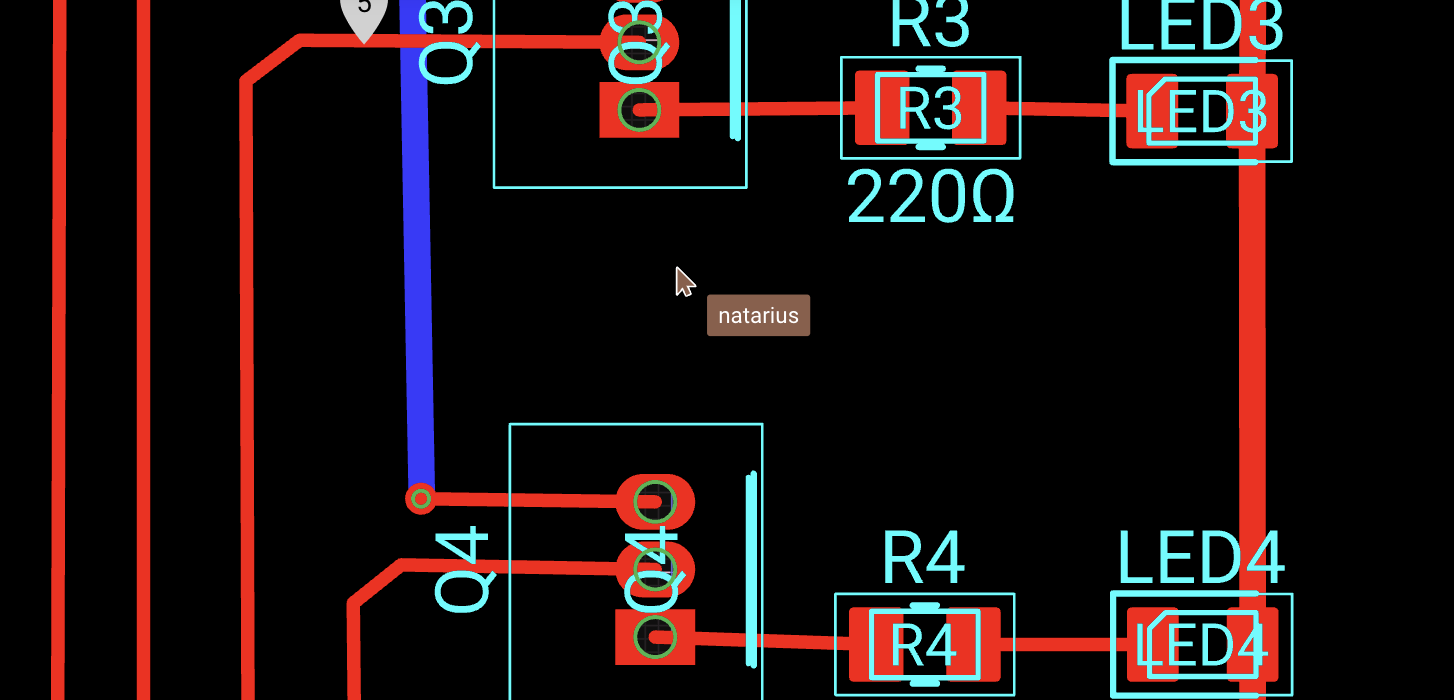
In Flux you can see the cursors of all other team mates who are with you on the project.
Hiding cursors
Cursors are always visible on the canvas by default. If you rather hide cursors from your canvas, you can do so at any time.
To hide cursors, use the keyboard shortcut ⇧ Shift C to toggle them on or off.
Was this page helpful?