
Delete projects you no longer need.

Overview
Deleting a project is a permanent action, meaning it cannot be undone. Once a project has been published to the library, it cannot be deleted. This ensures the component isn't removed from any other project that utilizes it. However, it can be archived, so it doesn't appear in project searches and isn't added to new projects.
Basics
Delete a project
To delete a project:
Go to your profile page
Find the project you want to delete
Click on the "three dots" menu next to the project name
Click on "Delete"
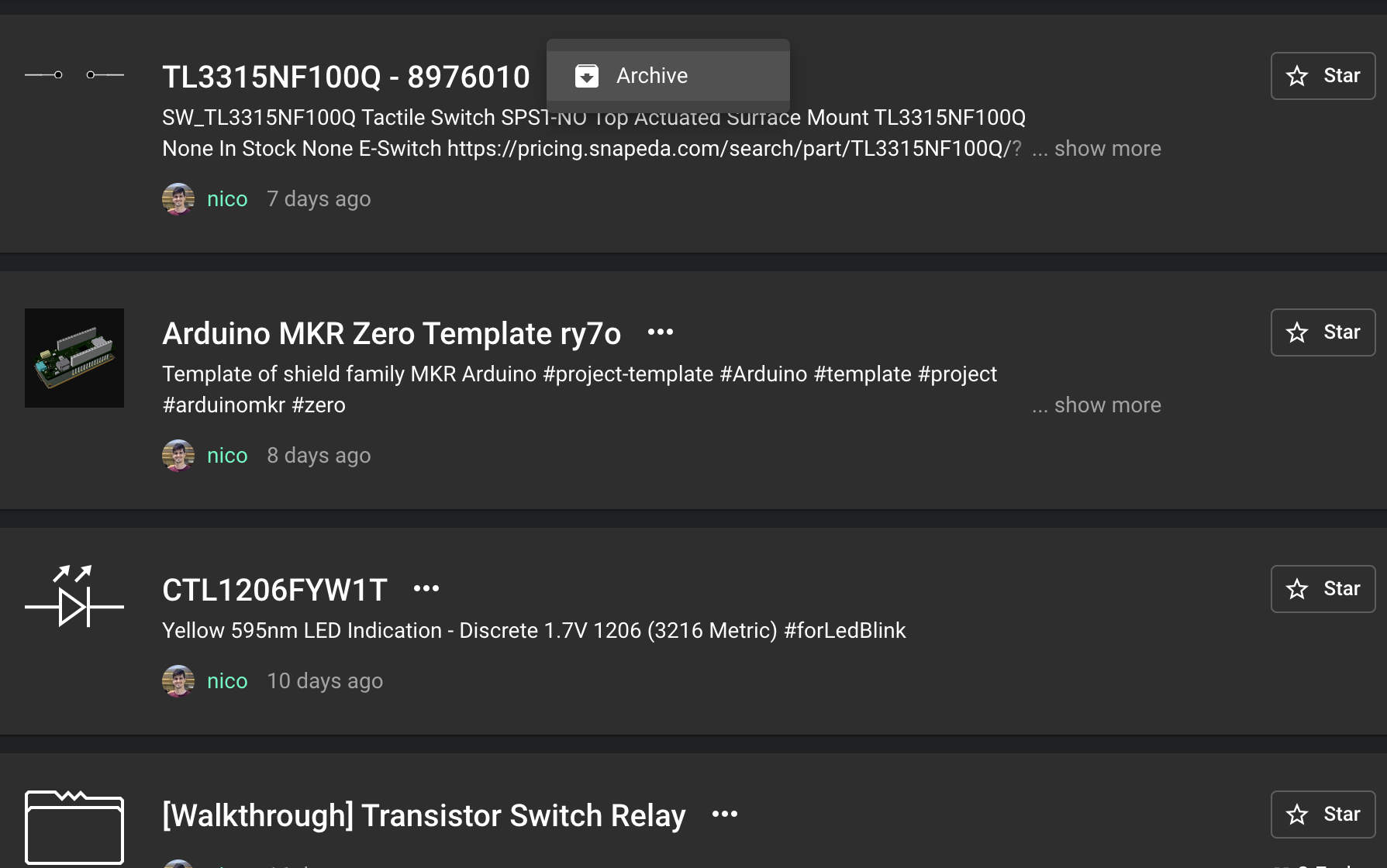
Archive a project
To archive a project:
Go to your profile page
Find the project you want to archive
Click on the "three dots" menu next to the project name
Click on "Archive"
Retrieve an archived project
Currently, users can't retrieve archived projects on their own; please contact us if you need to retrieve an archived project.