
Find layout errors while you design, before you send the board to the fabricator.
Ask Flux to fix design rule errors
Ask Flux to run the design rule check, fix the reported layout errors, and report any issues that remain.
Flux uses the latest check results to choose a fix for each violation. It runs another check after a change and reports the results.
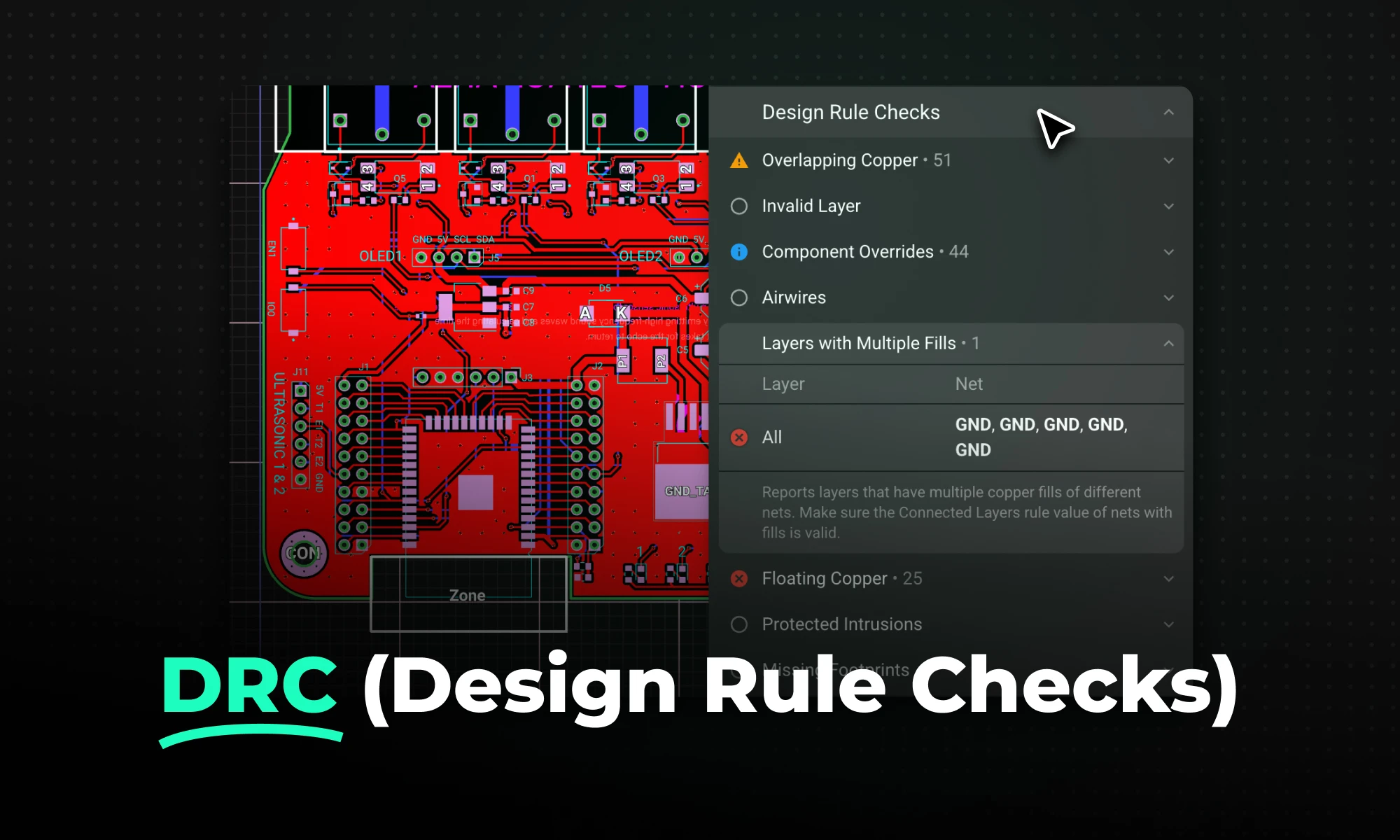
Flux’s layout rules do a great job of eliminating unnecessary mistakes, but certain types of violations require additional checking. Such violations include overlapping traces, unrouted nets, missing footprints, etc.
In Flux, DRCs run in real-time, and their results can be accessed from the messages menu.

Stackup Areas
On a flex or rigid-flex board, the Review panel shows the flex design checks in the Stackup Areas category. The checks find parts on bare flex, vias and holes in bare flex, pads and holes near rigid-to-flex boundaries, traces that do not cross a boundary at 90°, sharp trace corners and solid pours in bare flex, missing teardrops in bare flex, coverlay issues, and bend radius information. The checks also find a bend radius that is smaller than the minimum for the flex stackup, with a larger minimum for repeated bending. They find a twist length that is shorter than the minimum for the width of the tail. They find parts, pads, vias, and holes in a bend or twist zone, traces that do not cross a bend at 90°, and bend and twist zones that overlap.
For the full list, see Flex and Rigid-Flex Boards.
Electrical rule check
The electrical rule check (ERC) finds schematic issues before you lay out the board. ERC finds unconnected power pins, missing decoupling capacitors, missing I2C pull-up resistors, and nets with only one pin.
Ask Flux to run ERC and fix the errors it finds.
Flux connects unconnected power pins, adds and places missing decoupling capacitors and pull-up resistors, and connects or removes single-pin nets. Then it runs ERC again and reports the remaining errors and warnings.
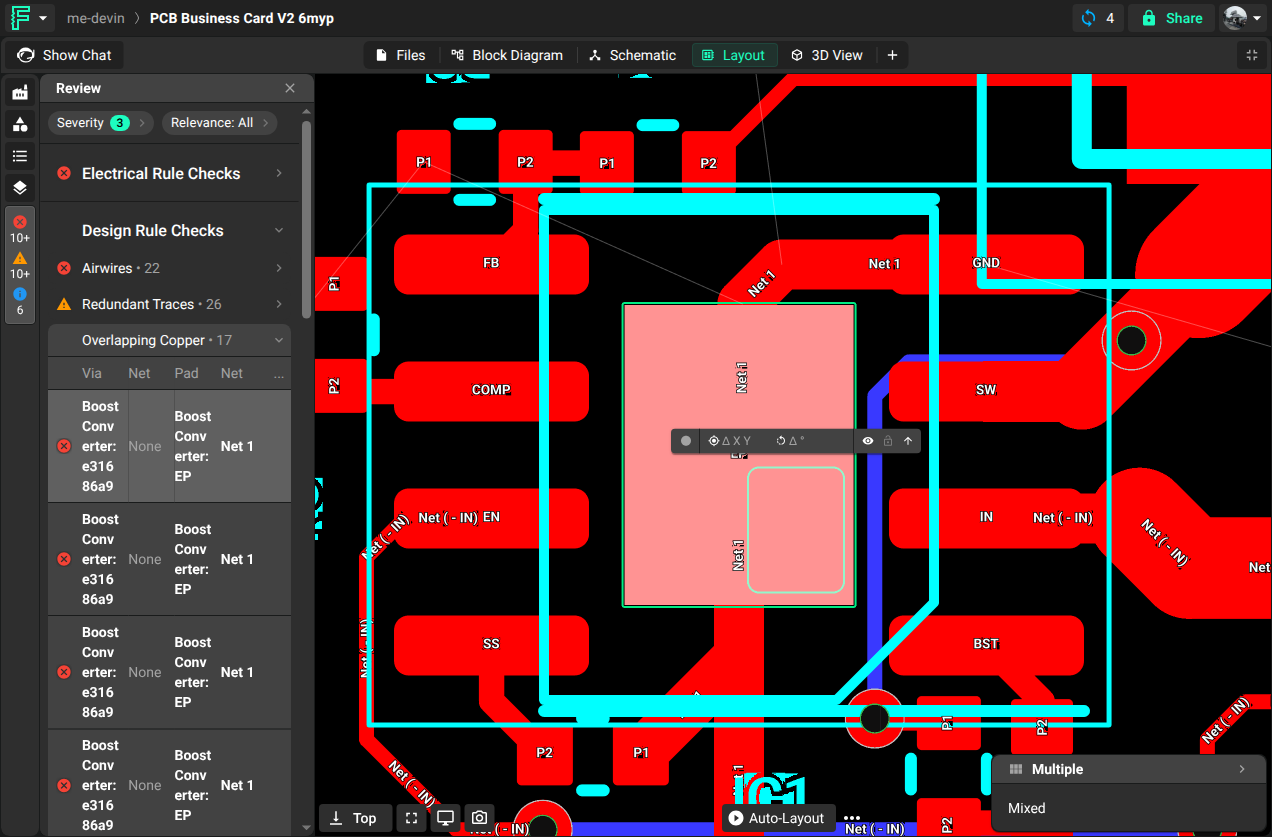
Overlapping Traces
Triggers a DRC violation when two traces from different nets overlap each other.
Missing Footprints
Triggers a DRC violation when a component from the schematic does not have a footprint. This rule does not apply if the component has the property "Exclude from PCB".

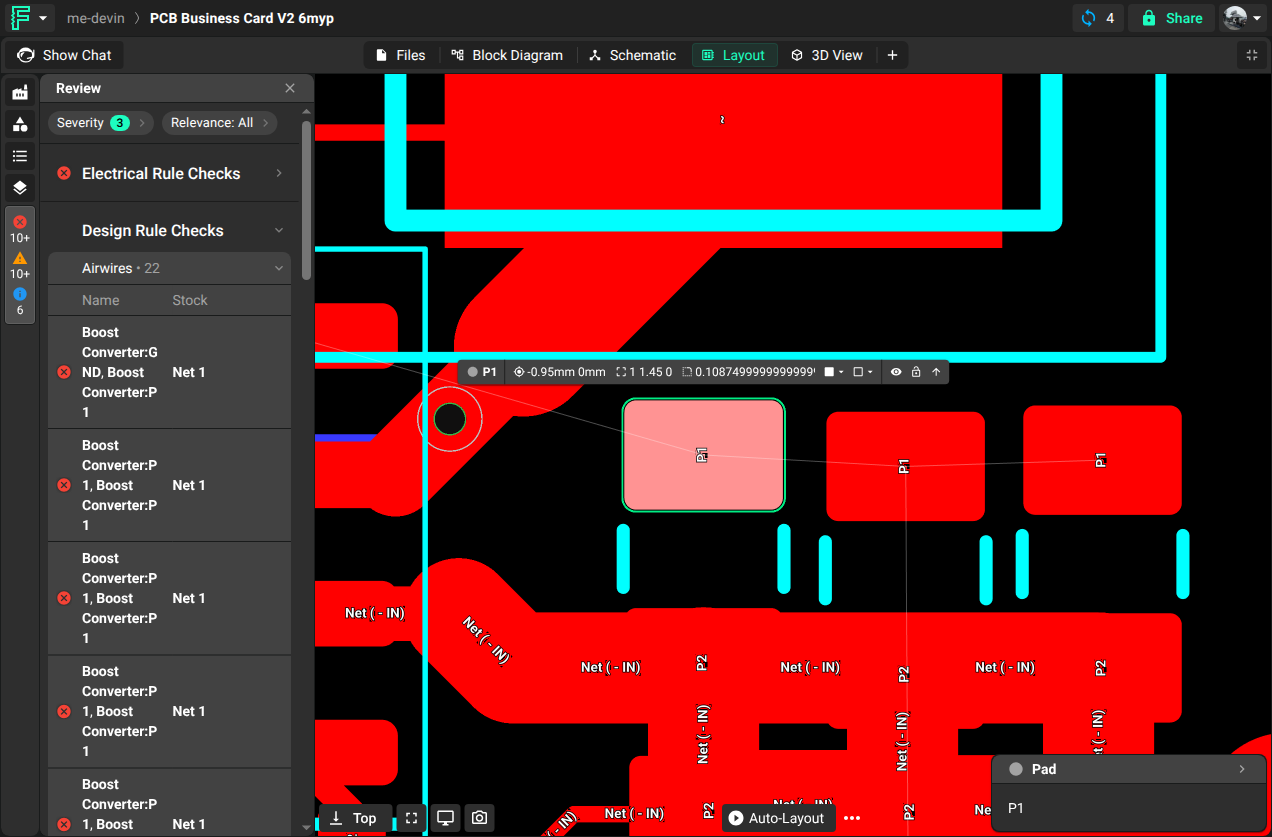
Airwires
Triggers a DRC violation when there are existing airwires that remain on the board. Airwires show connections from the schematic that do not have copper on the board yet. An airwire shows that terminals are not connected correctly. Only a connection to the center of a pad is a valid connection. Other tools call airwires a ratsnest.
Invalid Layer
Ask Flux to find and fix nodes that use a layer that is not in the stack-up.
Triggers a DRC violation when nodes that are assigned to a layer do not exist in the layout stack up. This occurs frequently when you add a module that has more layers than the project. Ensure that each node is assigned to an existing layer.
Component Overrides
This rule is triggered when a component has been modified using the “!important” flag.
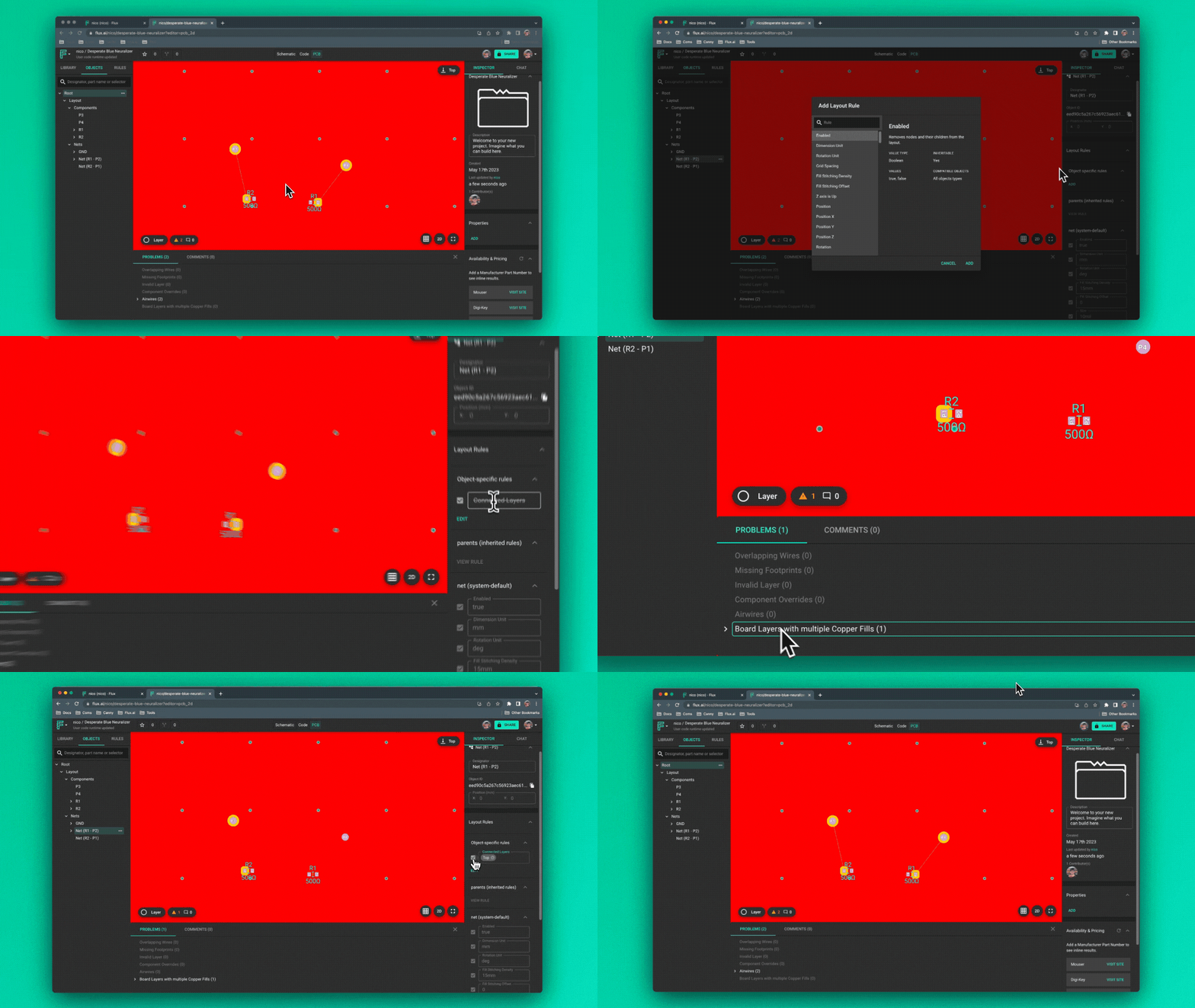
Board Layer with Multiple Copper Fills
Ask Flux to fix the copper fills that share a layer.
This rule triggers when copper fills of different nets are on the same layer. Make sure that the Connected Layers rule value of each Net object with fills is correct. In Flux, each copper fill connects to one layer. Place fills for different nets on separate layers.
Floating Copper
Ask Flux to find and remove floating copper.
Detects any via, trace or copper fill island that is not connected to any net.
This rule triggers for any area of copper that does not connect to a pad. This includes copper fill islands, floating vias, floating traces, and floating connected components. This rule also triggers when a copper fill island has a stitching via but is isolated from the larger ground plane.
To clear this DRC violation, make sure that your vias are connected and that all traces and components connect to their nets. For isolated copper fill islands:
If there is sufficient space, put stitching vias in the island.
If there is not sufficient space, add a keep out rule that moves the copper farther from the components or nets around it, so that the island does not form.