
What is the PCB Editor?
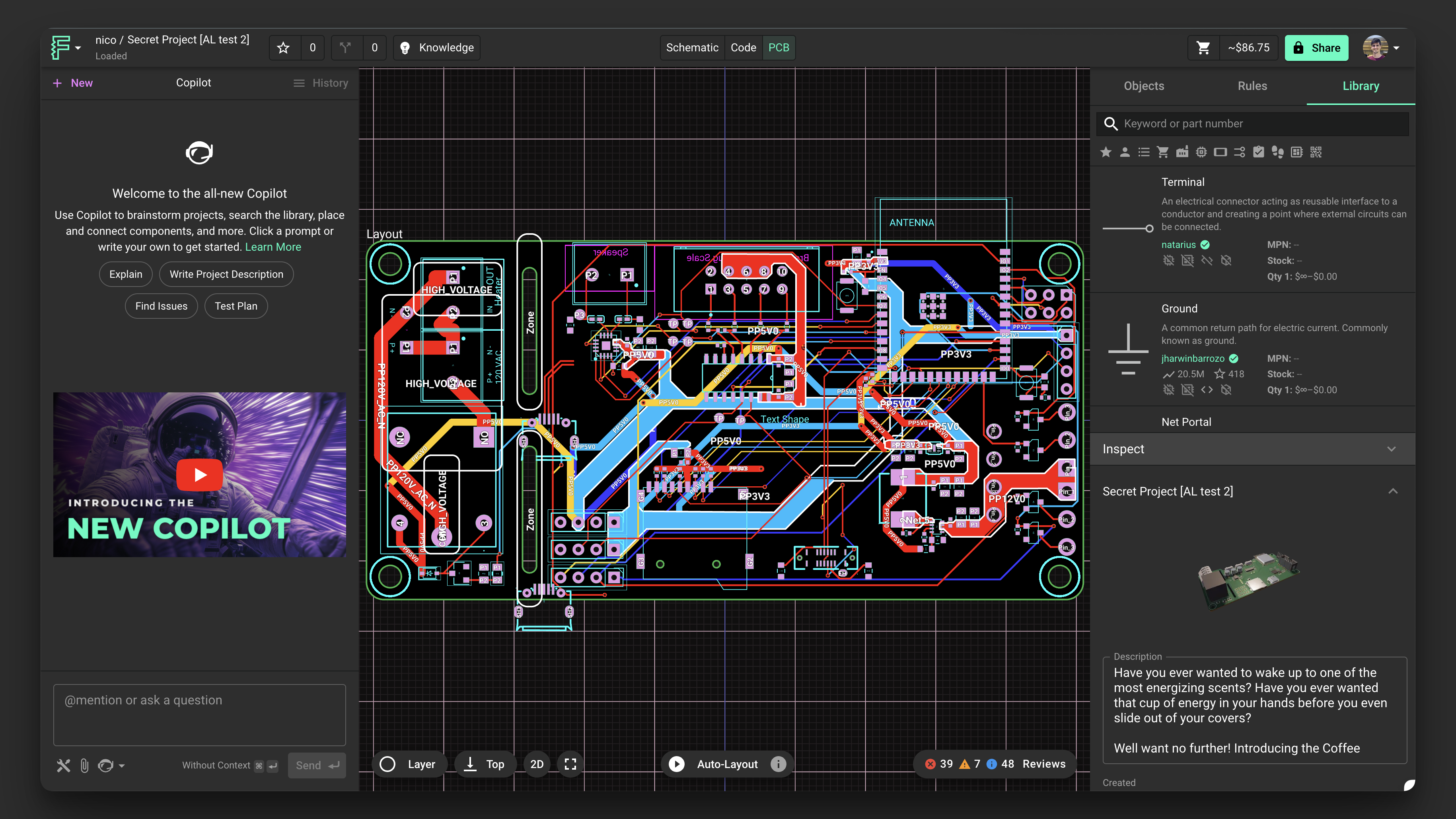
The PCB editor is where you transform your schematic designs into physical circuit board layouts. It's seamlessly synchronized with the Schematic editor and simulator, allowing you to see changes in real-time across all aspects of your design.
The PCB editor is where the schematics come to life. We designed a completely integrated, web-based PCB editor that automatically synchronizes with the Schematic editor and simulator.
- Layout rules: layout rules that apply to the selected object only.
Key Components of the PCB Editor
The Object Tree
The Object Tree contains a structured map of all the elements present in the PCB editor, from parts to nets to traces. This hierarchical view helps you navigate and manage complex designs efficiently.
Inspector
The Layout Inspector panel on the right side shows contextual information about the selected object. When nothing is selected, the inspector shows document-level information like the description, layout rules, and other properties. When a part is selected, it shows contextual information about it.
The Layout Inspector includes several important sections:
Properties: Carry additional part metadata like Manufacturer part number, value, etc.
Pricing and Availability: Flux automatically searches for pricing and availability in parts with an MPN.
Layout Rules: Contains Object-Specific PCB Rules. If you're not sure what the difference is between selector-based and object-specific layout rules, please refer to this guide.