
Search
Start a project with an empty canvas.
Overview
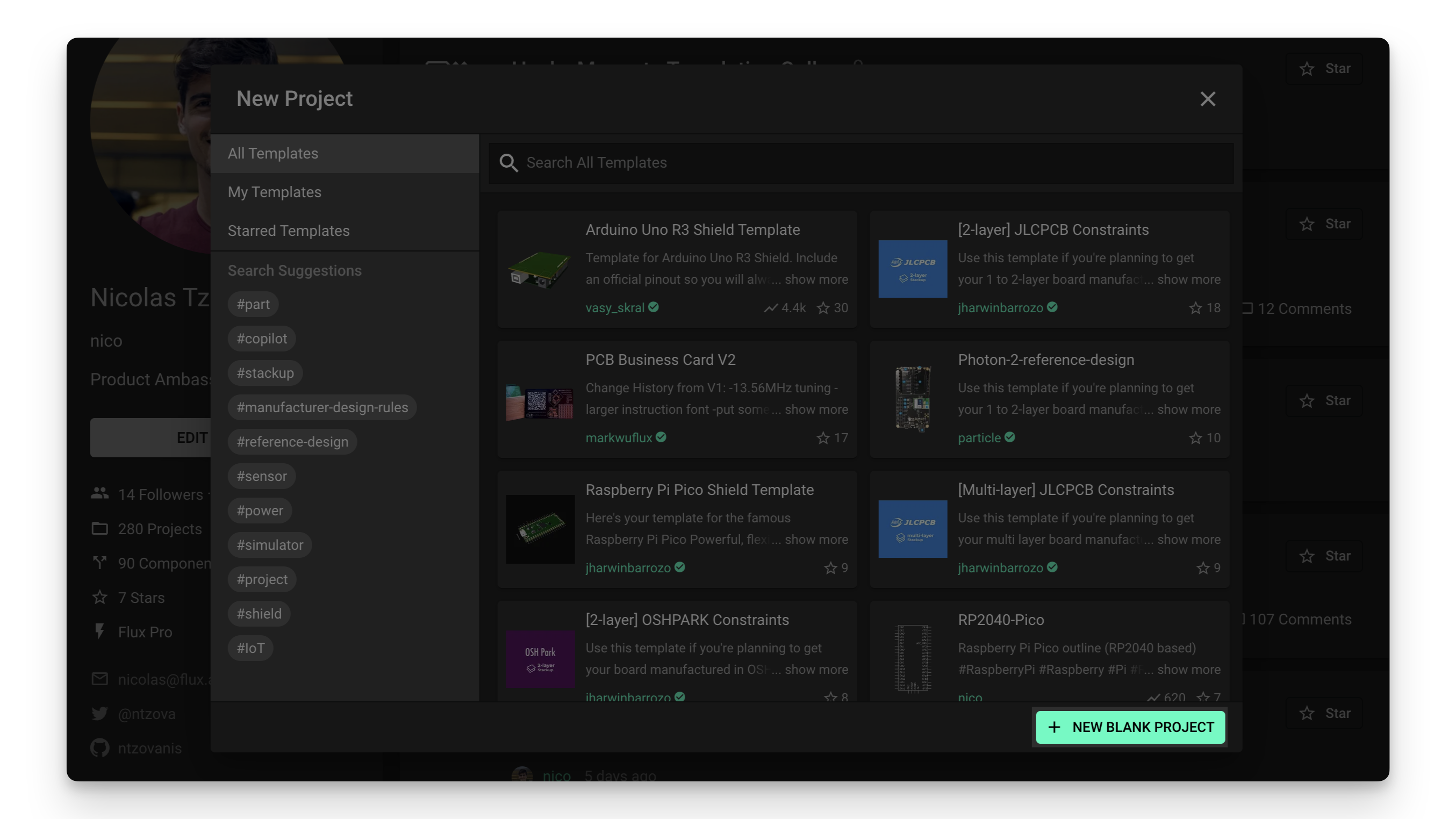
As its name indicates, the "New blank project" option creates a new, empty project (or part):
To create a new blank project:
Locate the Flux menu at the top left and click on "New project".
Select the account you want to create a new blank project into
Click on the "NEW BLANK PROJECT" button in the bottom-right corner of the new project menu.
Was this page helpful?