
Flux is an AI hardware engineer. Flux connects board fabrication, mechanical parts, wire harnesses, and product documents in one manufacturing workflow.
Prepare board and mechanical part files, create production panels, and compare manufacturing options for your complete device.
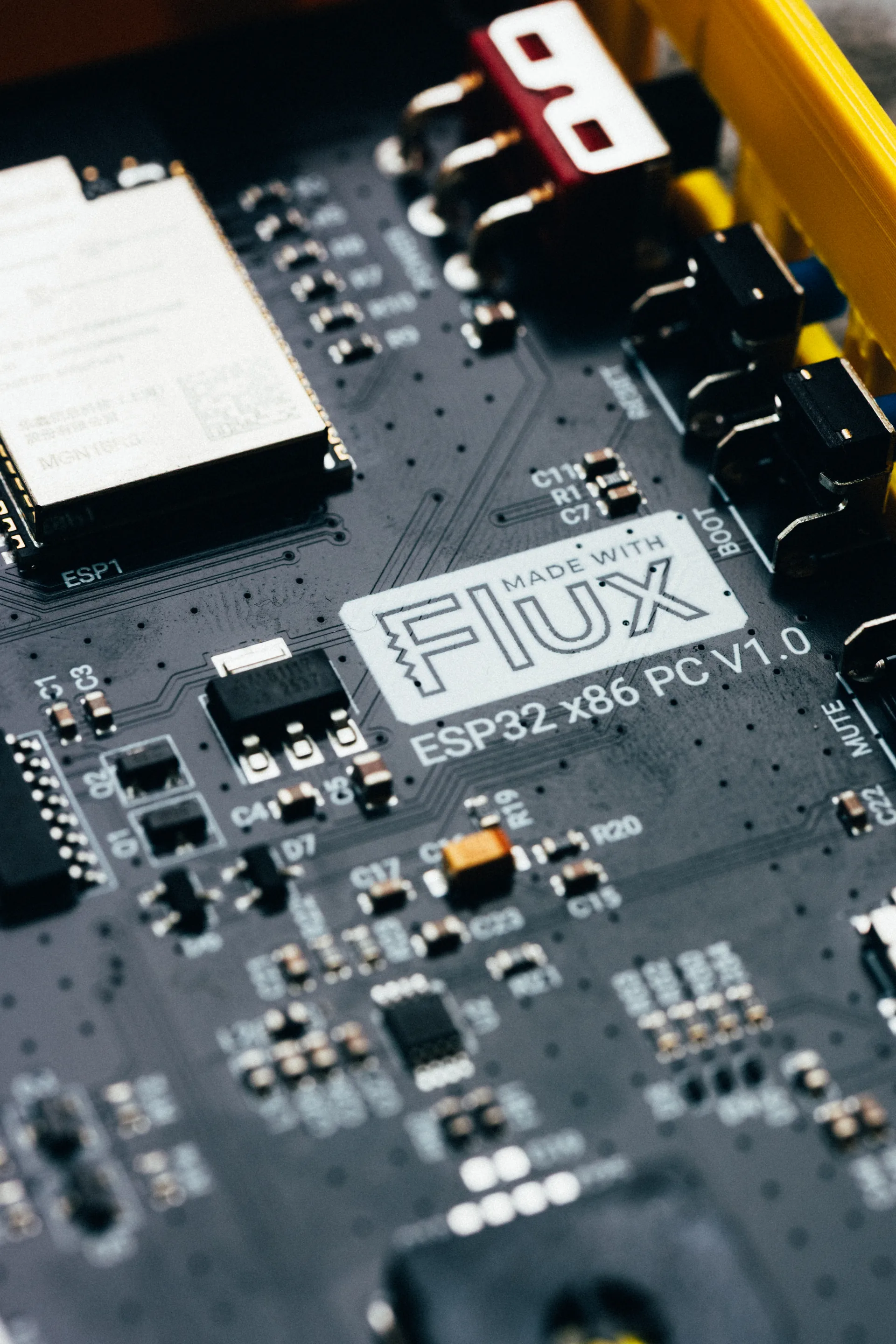
Board manufacturing files
Ask Flux to prepare files for board fabrication and assembly.
Select Flux menu → Export → Electronics → Manufacturing Files (Gerbers, etc) (.zip) to export board files. See Board manufacturing files for Gerber, drill, BOM, pick-and-place, IPC-2581C, ODB++, GenCAD, and IPC-D-356 exports.
Prepare mechanical part files
Ask Flux to prepare each part for its manufacturing process.
Open Chat and describe the part, process, material, dimensions, and finish. Download the model or drawing output for a quote. See Make mechanical parts for process preparation and model formats.
Choose manufacturing profiles
Ask Flux to compare profiles that fit the board.
In PCB or BOM mode, select Profile in the project left drawer and choose a profile from Manufacturing Profile. See Manufacturing profiles to compare board rules and save stackups.
Create PCB panels
Ask Flux to arrange boards in a panel for production.
Open Chat and ask Flux to create a panel. Flux returns a panel preview, Gerber ZIP, board file, panel size, board count, and design rule check result. See PCB panels to prepare the panel and request a quote.
Get wire harness quotes and orders
Ask Flux to quote or order the harness for your device.
Open Chat and ask Flux for a quote with the connectors, cable length, and quantity. See Wire harness quotes and orders for price breaks, lead times, and checkout.
Get quotes and place manufacturing orders
Ask Flux to compare board and mechanical-part quotes, or order a harness from its quote.
Open Chat and request quotes for boards or mechanical parts. See Order from Flux to compare options and place PCB or mechanical-part orders. For harness orders, use Wire harness quotes and orders.
Prepare compliance documents for launch
Ask Flux to prepare product documents for your target markets.
Open Chat and describe the product and its target markets. See Regulatory documents to prepare compliance and product-risk documents.