Know that each part in your library is correct before you build.
Enrich part records
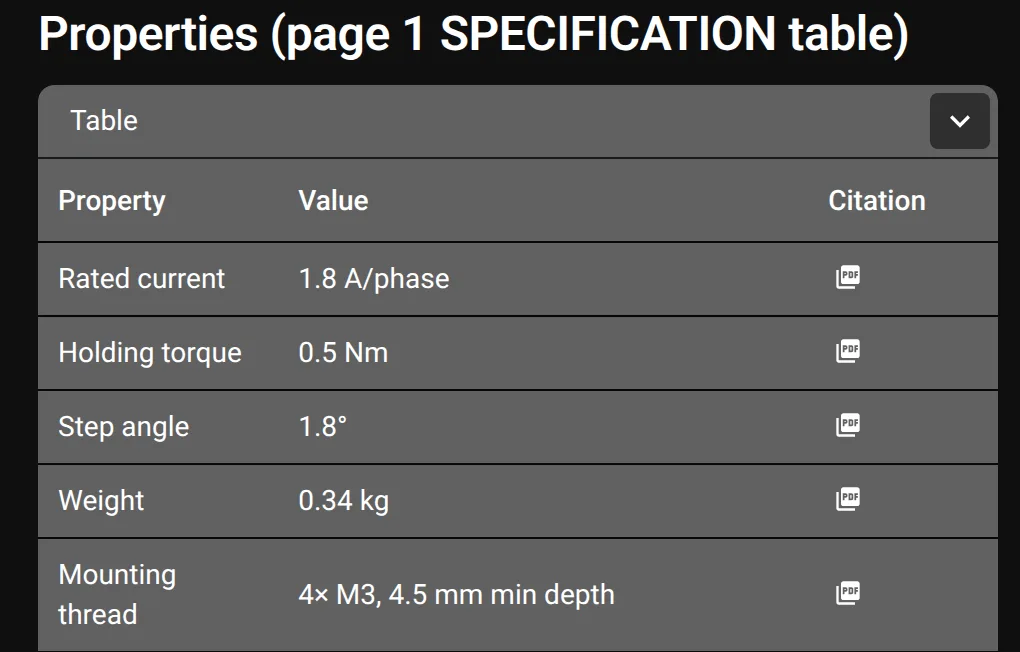
Ask Flux to add properties from a datasheet or product page. Flux can cite the source page for each property.
Open the part project and give Flux the part's datasheet or product page. Review the property values and citations in the part record.
Verify board parts against a datasheet
Ask Flux to compare a board part with its datasheet. Flux can review its MPN, pins, pads, pitch, and package information.
Open the design and give Flux the relevant datasheets. Ask Flux to compare the part records and board footprints with the documented pin and package information.
Verify mechanical fit and clearances
Ask Flux to review how a part fits in its design. Flux can check the fit of a placed part and its clearance to the board or enclosure.
Place the parts in the design and give Flux the fit and clearance requirements. Include the neighboring board, enclosure, bracket, or assembly parts that define the space.
Publish a new part version and update designs
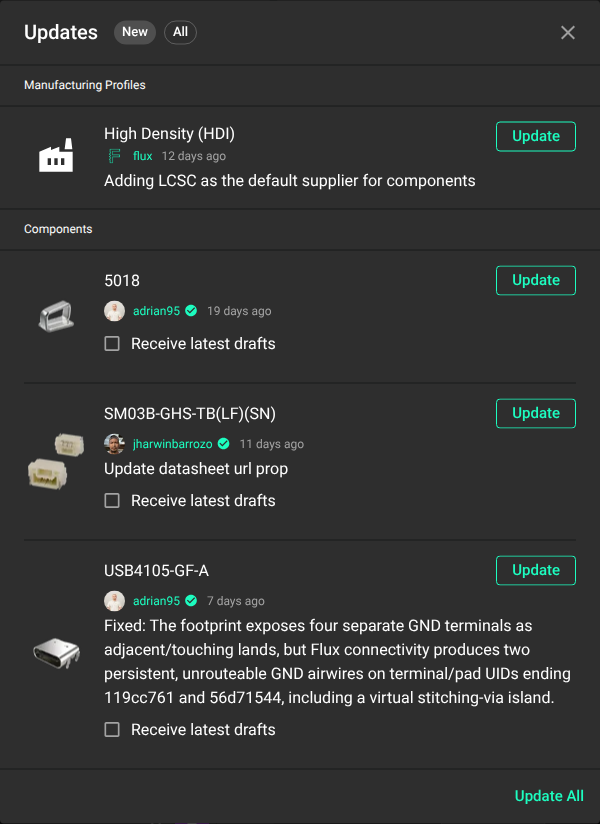
Tell Flux what to fix, then ask it to publish a new part version and update the designs that use it.
Select Flux menu → Updates... to review and apply available part updates.