
Get help with the exact part of the design that you are looking at.
Use the Flux context menu to open actions for a selected project element or the complete design.
Open the context menu
Open a project in the editor.
Right-click a component, pin, net, or open area of the canvas.
Open the Agent submenu and select an action.
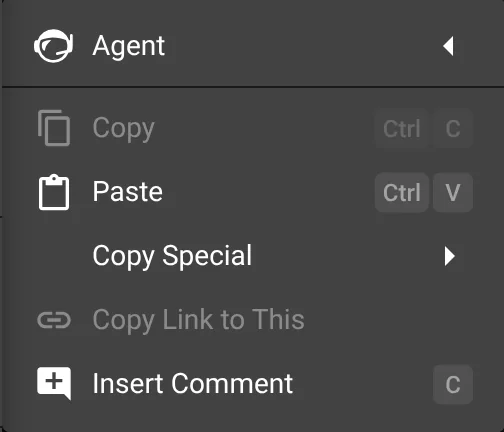
The menu uses your selection to show actions for that design area. Right-click an empty area to open actions for the project. Select one or more components to open actions for those parts, such as replacement suggestions or recommended values.
Use the context menu for a focused action. Enter a request in the Chat panel when you want Flux to work across electronics, firmware, mechanical design, simulation, and manufacturing.
See How Flux works, Prompt examples, and Table views in Flux.