
Search
Ask Flux to check the pricing and availability of the parts in your project.
Show the price and stock of each part in the BOM for 100 boards.
Check the availability of the motor driver, the USB-C connector, and the M3 standoffs. Tell me which parts are low in stock.
Find the parts in this design that cost more than $2 each at 1,000 units.
To do it in the UI:
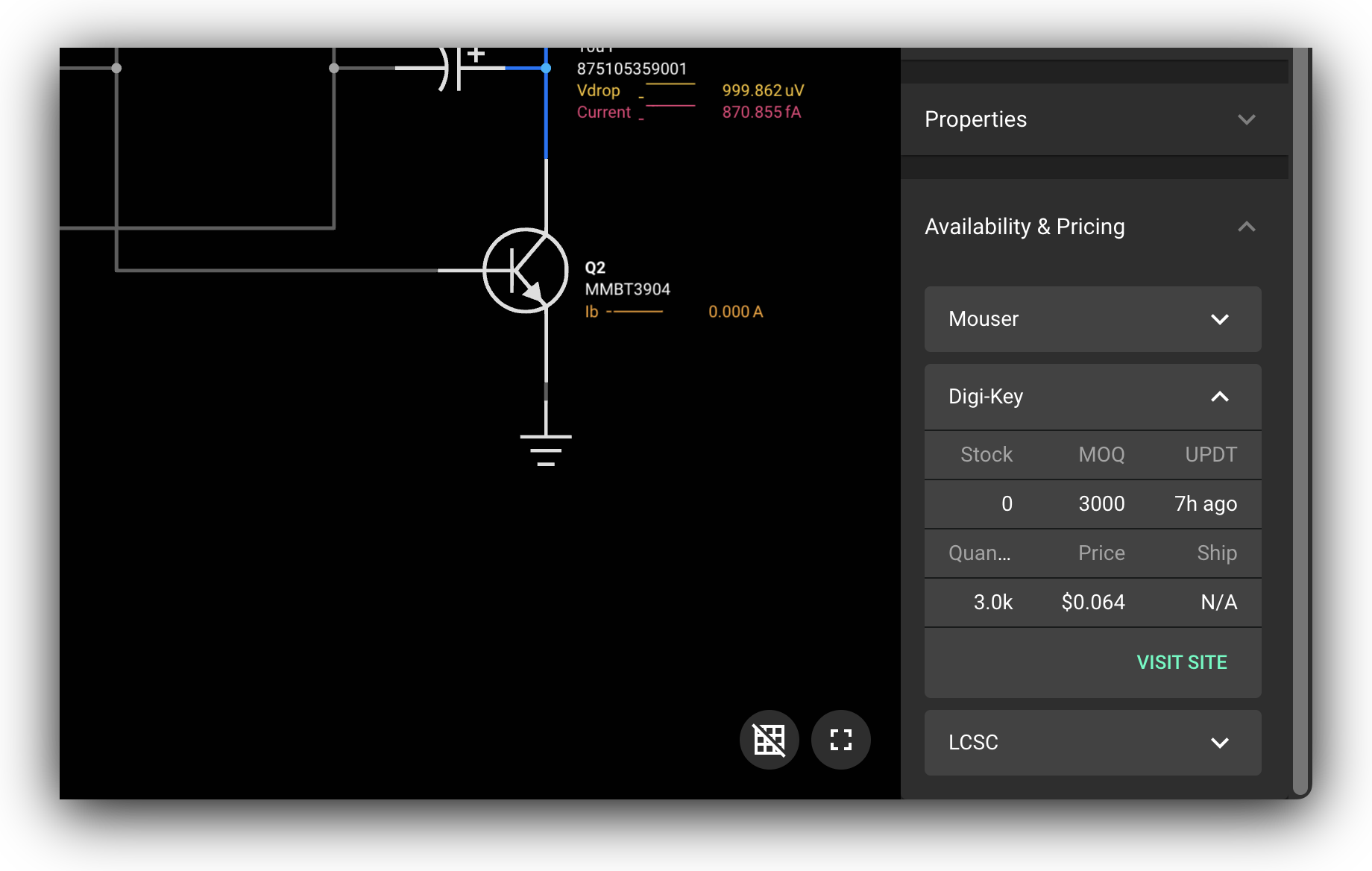
If the selected object contains a property called "Manufacturer Part Number", Flux will automatically search for pricing and availability in leading distributors:
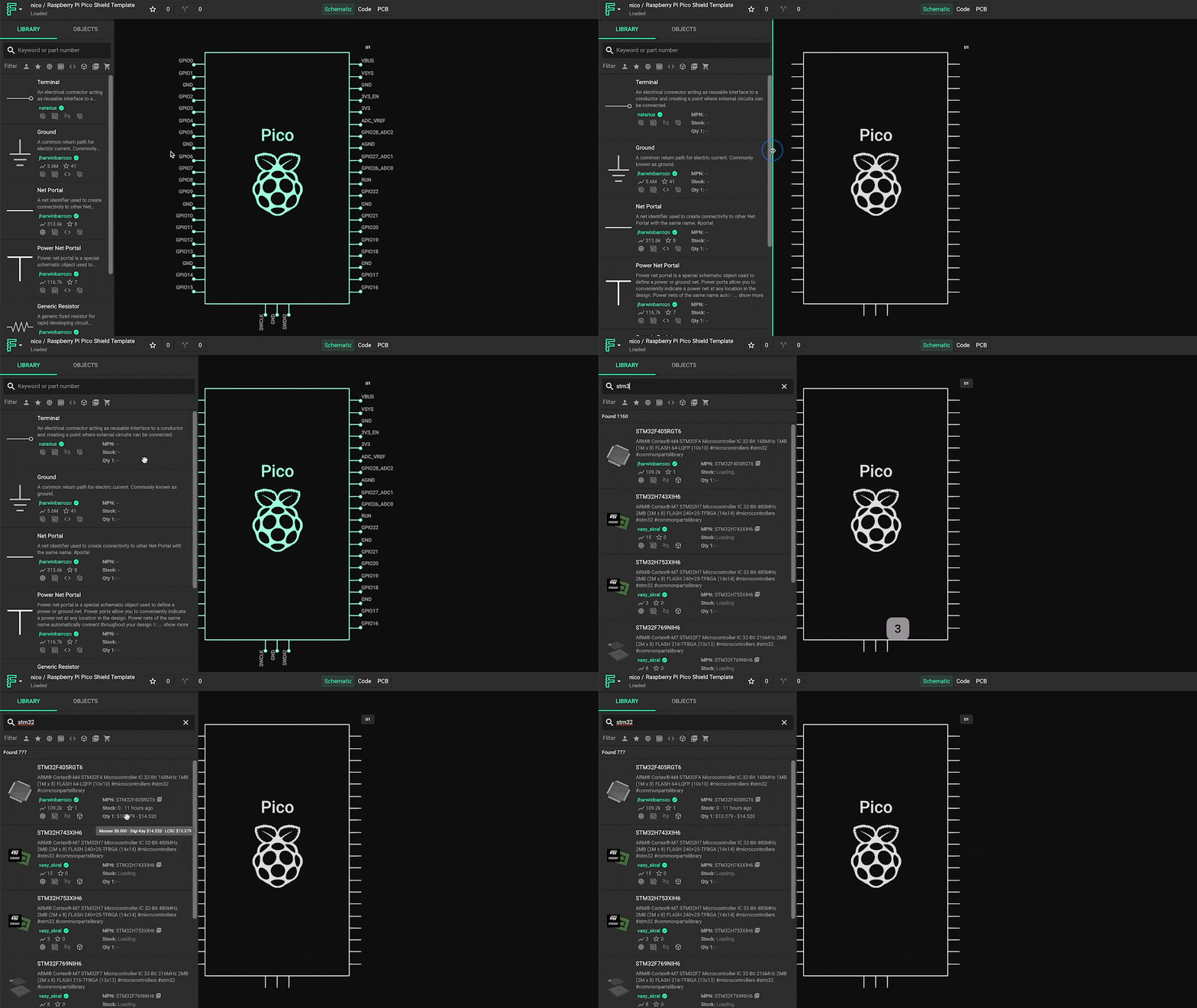
Pricing information also shows when you search for a part in the library. To see it, expand the library drawer (see Part Library).
BoM Management
Flux uses other properties to configure your bill of materials. See Properties.
Was this page helpful?