
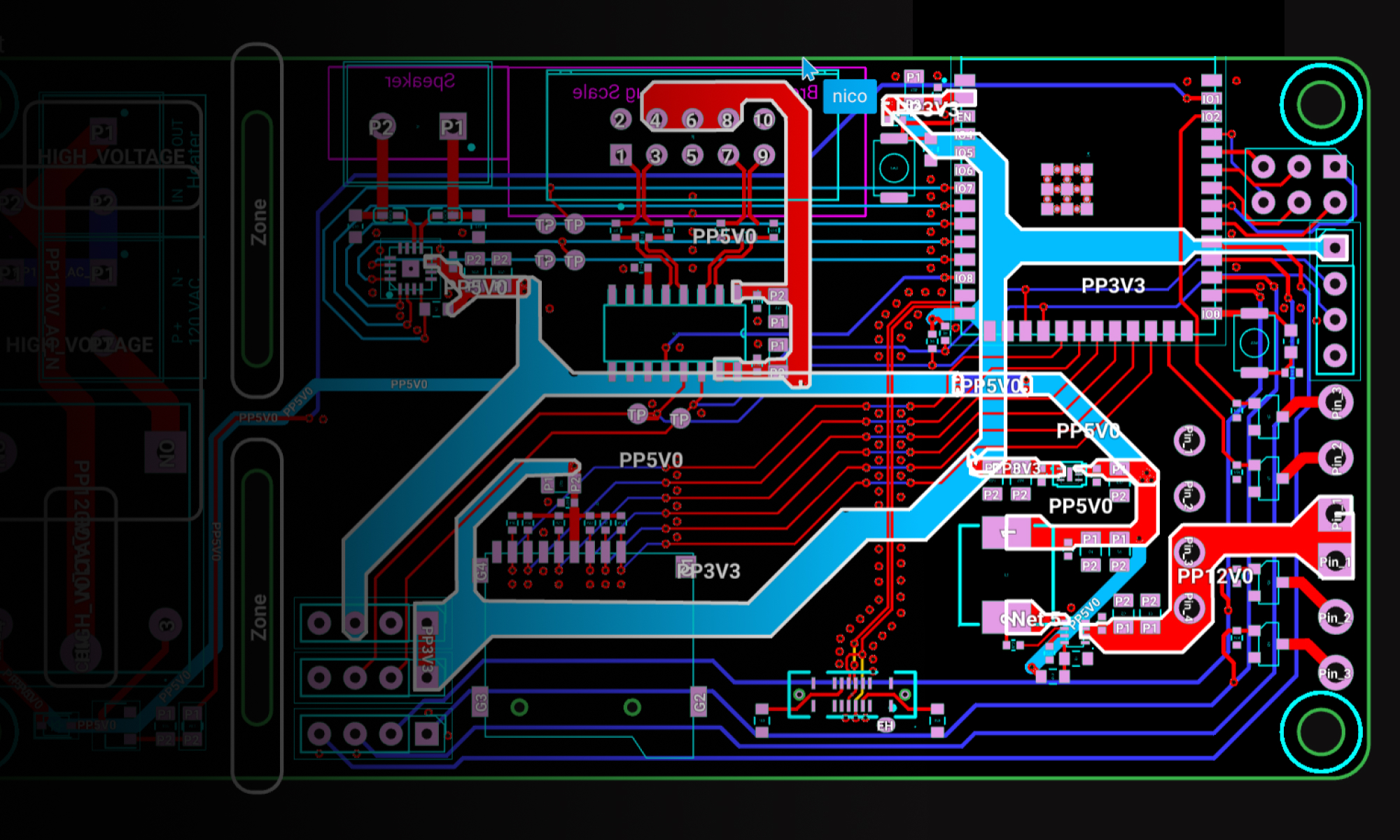
Draw custom copper shapes for high-current paths, shields, and heat spreading, connected to the net that you choose.
Polygons allow you to create custom copper shapes that are tied to specific nets. This reference guide covers the key aspects of working with polygons in your PCB designs.
Polygon Rules
Ask Flux to create a polygon and set its rules.
You can also configure the rules in the editor.
The following rules can be configured for polygons in the Inspector panel:
Rule | Description |
|---|---|
The shape of the polygon, defined using SVG path syntax. | |
The copper layers the polygon appears on | |
Determines the minimum feature size for the polygon | |
Controls the density of via stitching if applied | |
Controls the offset of via stitching if applied | |
Prevents copper pour in specified areas |
Polygon Hierarchy and Priority
When multiple polygons overlap, Flux uses a size-based priority system to determine which polygon takes precedence:
All polygons take priority over Copper fills
Smaller polygons take priority over larger polygons
Polygons of the same net will merge unless they have different properties
This automatic priority system allows you to:
Create complex copper structures with cutouts by using smaller polygons
Implement split planes for different power domains
Design RF structures with controlled impedance
Create thermal relief patterns around component pads