
Flux is an AI hardware engineer. Flux turns your idea into requirements and keeps them in the project files with the design.
Keep your specs, research, design decisions, and test results with the design. Your team and Flux then work from the same context. Ask Flux for a one-off engineering tool, and Flux builds it as a live page in the project.
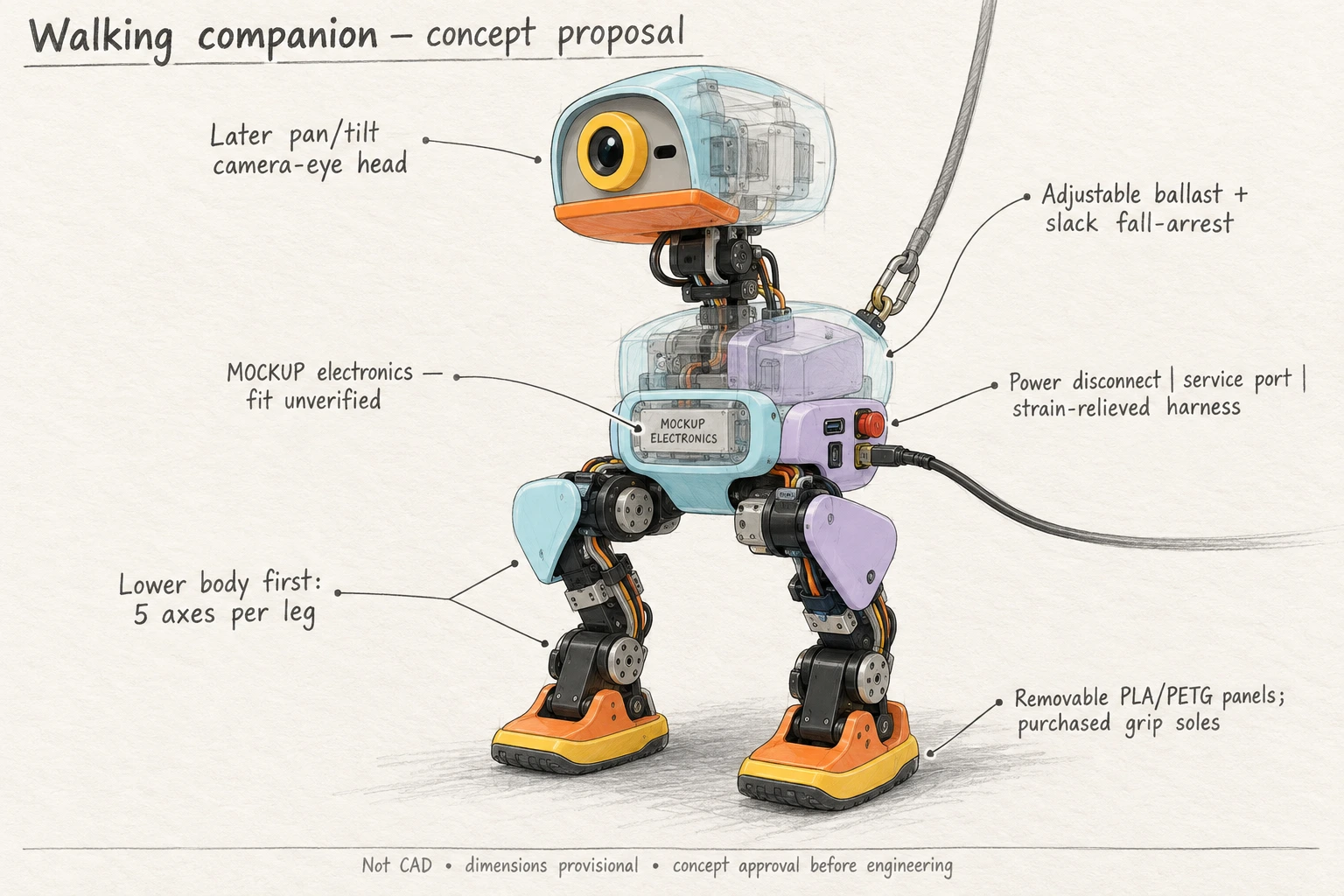
Use project files to keep engineering documents and interactive pages with your design. Flux can create documents, calculations, checklists, and interactive views in the project.
Open project files
Ask Flux to create or update a document in the project files.
To open project files in the UI:
Open the project.
Select Files in the project view switcher.
In the Documents panel, select New to create a document.
Select a document in the list to read or edit it.
Use documents for requirements, design notes, datasheet findings, code, firmware, and test plans.
Create an interactive page
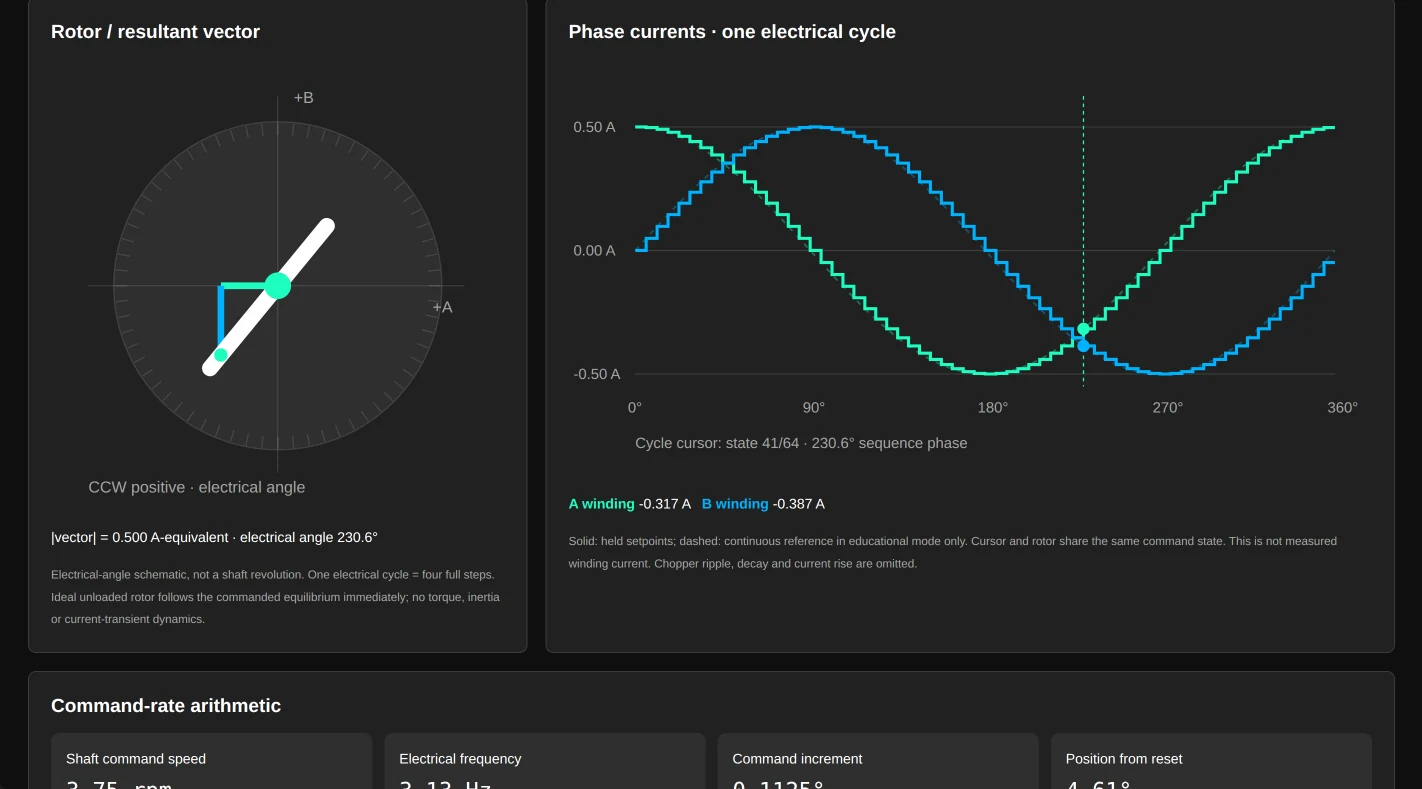
Ask Flux to create an interactive project page for calculations or design reviews. The page can include inputs that update results, a checklist, or an interactive 3D assembly.
For chat attachments and commands, see Chat and Agent modes.