
Design a circuit block once, and reuse it in every project.
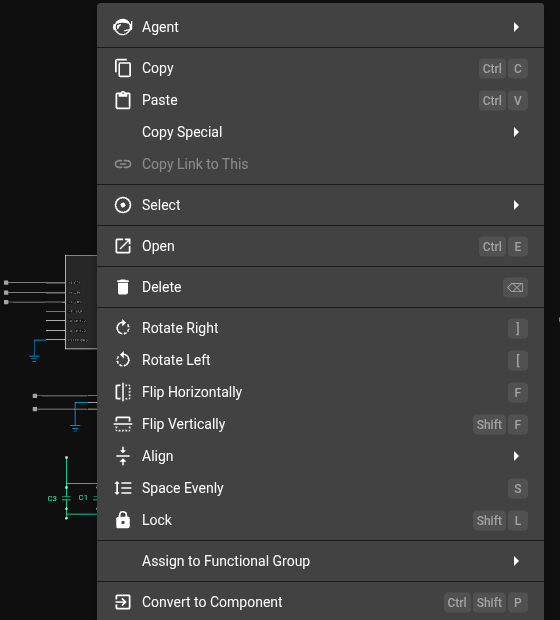
Use Convert to Component to create a module from a group of components.
Overview
Use a module to reuse a part of a circuit in many projects. To reuse a group of components from one project in a different design, convert the group to a module.
Convert to Component
To convert a group of components into a single component:
Select all the components that you want to convert.
Right-click and select Convert to Component.
Adding Terminals
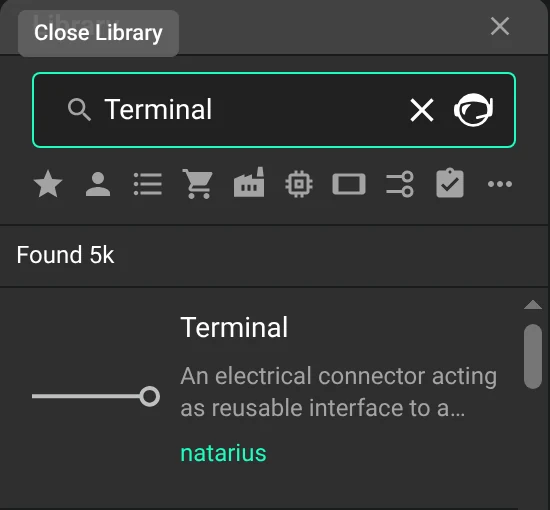
Convert to Component turns a group of components into a module. A module needs terminals to connect to a project.
If the selected group has no terminals, the module has no connections.
There are two ways to add terminals:
Add terminals to the group of components before you select Convert to Component.
After you select Convert to Component, right-click the new module and select Open.
In the module, drag the terminals to the necessary positions, then publish the changes.